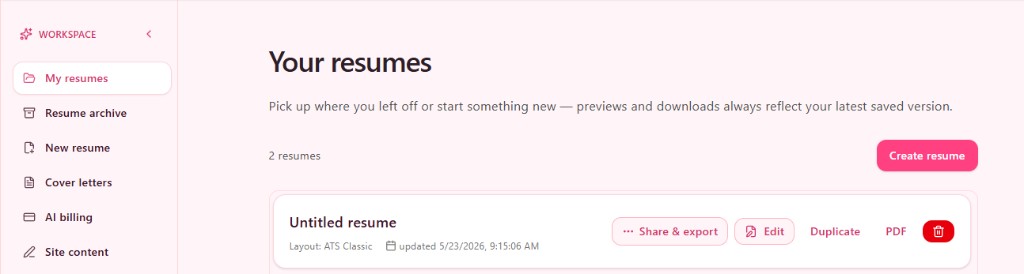
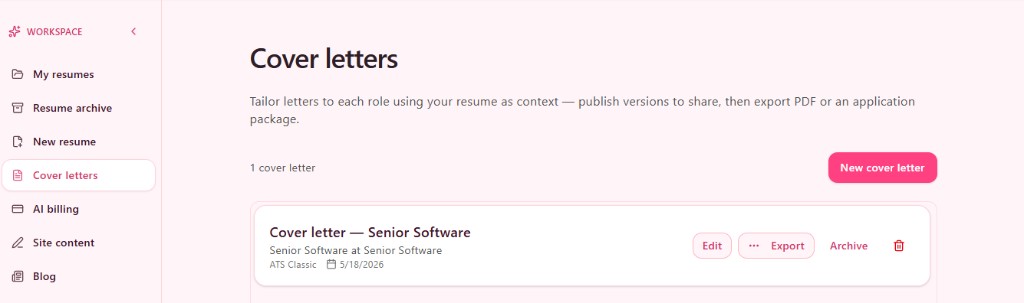
Resume & cover letter workspace
Build Polished, ATS-Friendly Resumes with TapCV
Edit once, preview live, export PDF, and share when you are ready. Structured sections, theme tuning, and a dashboard for drafts and share links.
Everything in TapCV today
One workspace for resumes, cover letters, AI assistance, publishing, and billing — no separate tools.
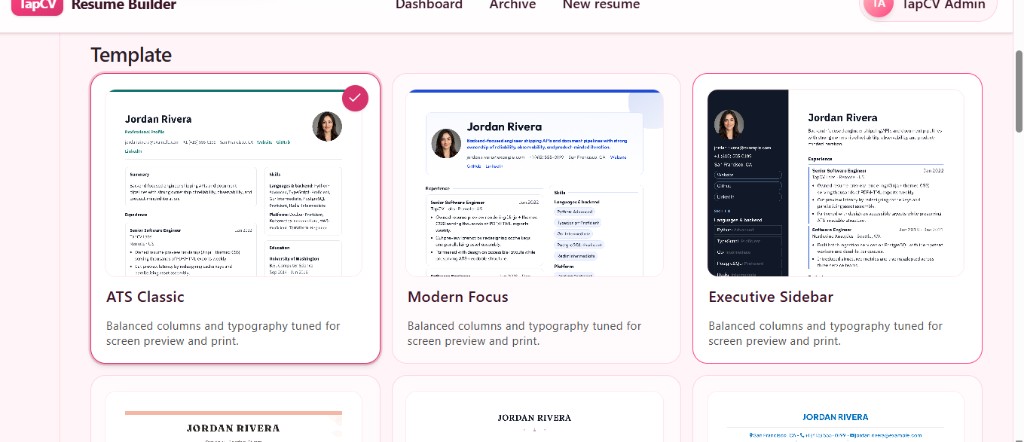
Start from a layout you like
Name your resume and browse ATS-friendly and modern templates with live thumbnails — ATS Classic, Modern Focus, Executive Sidebar, and more. Open the builder in one click, then switch themes without rewriting your content.
Edit beside a live preview
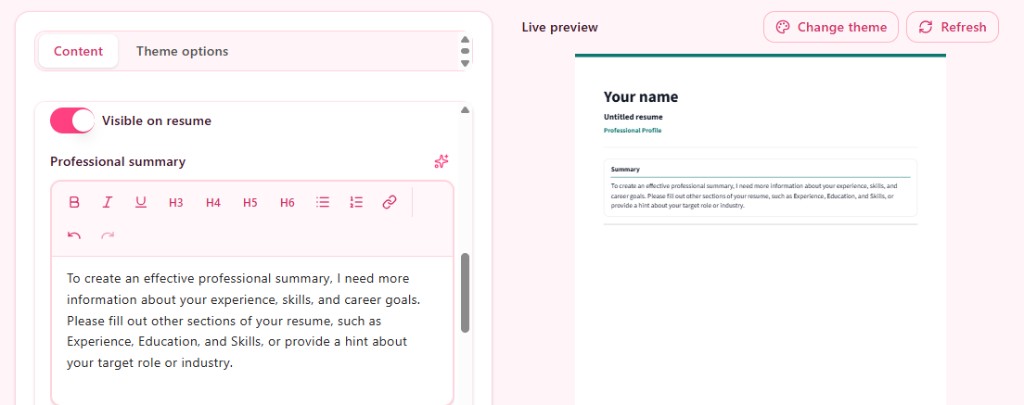
Content and Theme tabs keep writing and design in sync. Rich text for summaries and bullets, section visibility toggles, profile photo layouts, and a preview that updates as you type — export PDFs that match the screen.
AI that fits your workflow
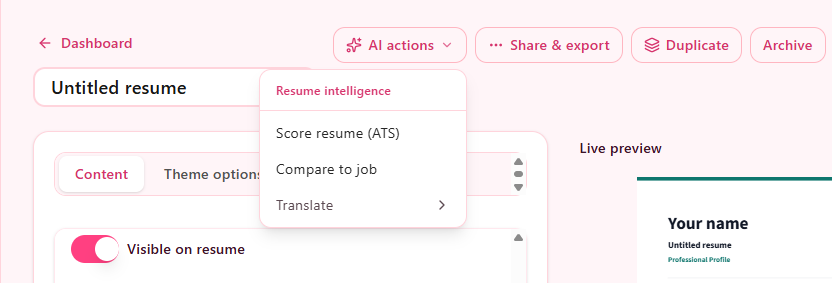
Use AI actions for ATS scoring, compare two resumes against a job description, or translate a full resume into another language. Sparkle buttons on individual fields draft headlines, summaries, experience bullets, skills, and project copy.
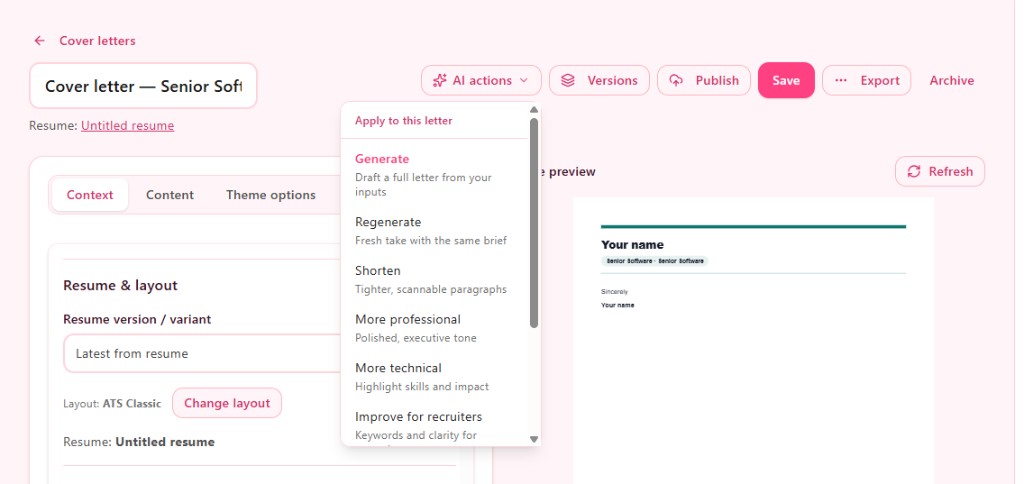
Cover letter AI from your brief
Generate, shorten, or retone a letter from role details and your linked resume — regenerate when you want a fresh take, or nudge the tone toward technical or recruiter-friendly language.
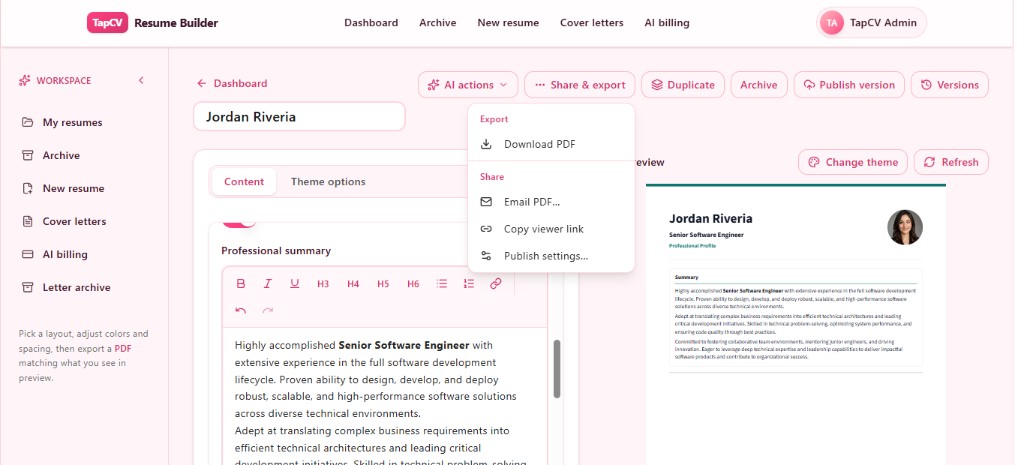
Share & export without guesswork
From the editor or dashboard: download PDF, email a PDF with an optional note, copy a viewer link, or open publish settings. Sharing always reflects your latest published version, not unsaved drafts.
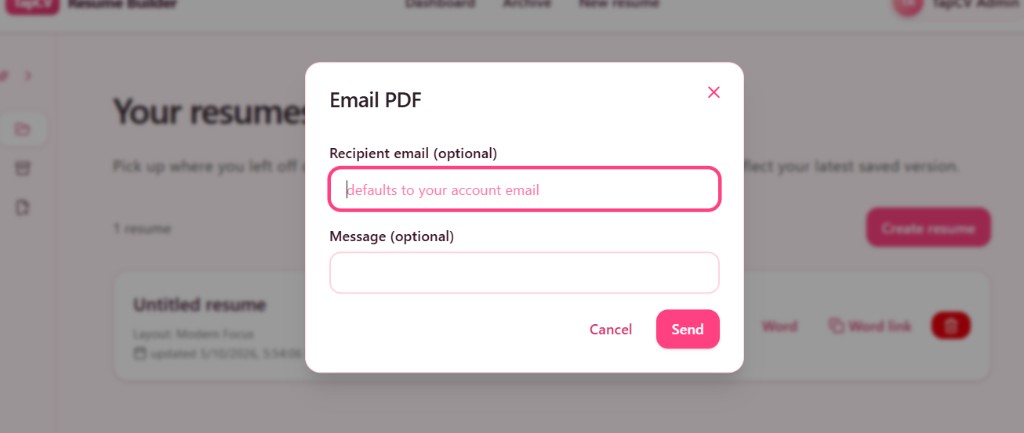
Email the PDF when it matters
Send the polished attachment straight from TapCV with an optional message — the file matches what you previewed in the editor.
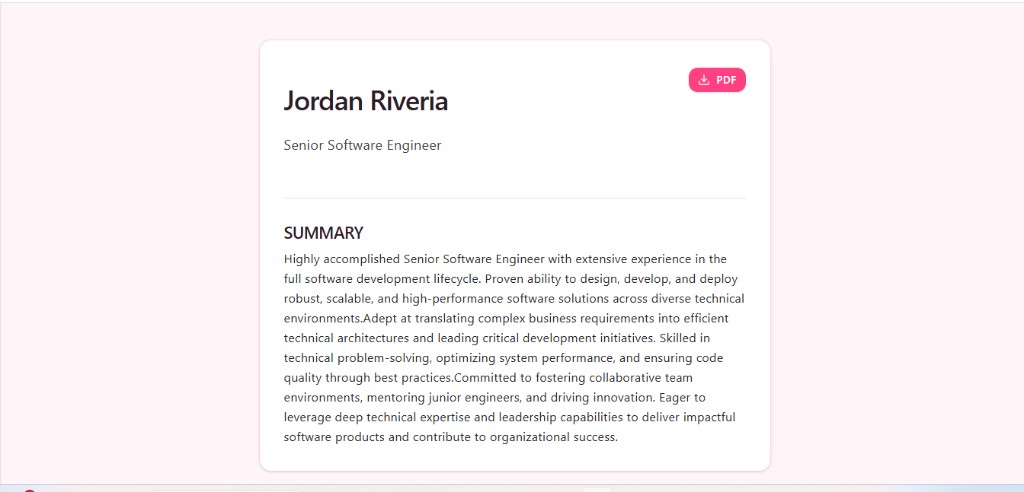
A clean page for recruiters
Published resumes get a read-only viewer with your headline, summary, and a one-tap PDF button — ideal when someone needs to skim fast or save offline.
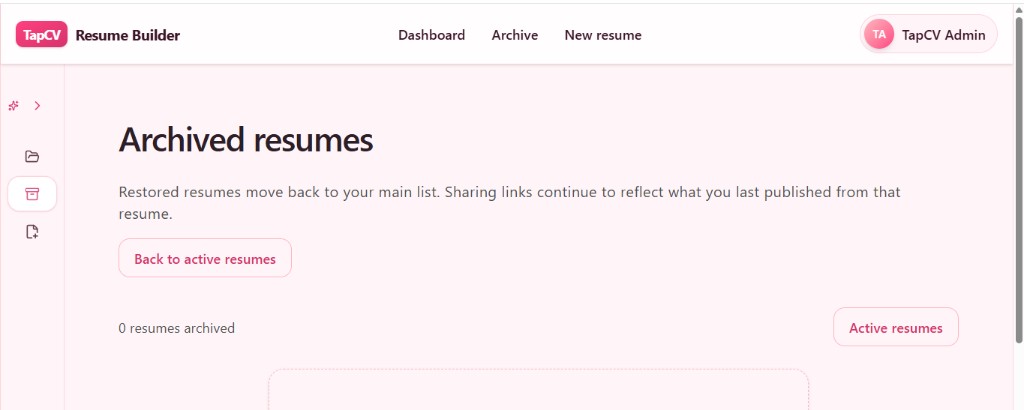
Archive without losing work
Move older resumes and cover letters to archive when campaigns end. Restore anytime; separate archives for resumes and letters keep the workspace focused.
- 19+ resume layouts — ATS Classic, Modern Focus, sidebars, timelines, and more.
- Live preview — WYSIWYG editing — PDF export matches the preview.
- Theme controls — Colors, fonts, spacing, and profile photo layouts.
- Structured sections — Experience, education, skills, projects, certifications, and custom blocks.
- Rich text editor — Bold, lists, links, and headings in summary and bullet fields.
- Per-field AI — Generate headline, summary, bullets, skills, and project copy.
- ATS resume score — Checklist, strengths, and gaps (2 AI credits).
- Resume compare — Two resumes vs. a job description (2 AI credits).
- Resume translate — Full resume translation to a target language.
- Cover letter builder — Linked to a resume with layout and theme options.
- Cover letter AI — Draft letters, role insights, and keyword hints.
- Signatures — Typed, drawn, or uploaded signature on letters.
- Publish & versions — Version history and publish specific snapshots.
- Duplicate & archive — Clone documents; archive resumes and letters separately.
- PDF download — One-click export from editor or dashboard.
- Email PDF — Send the attachment with an optional note.
- Shareable links — Viewer URL and publish settings per resume.
- Public viewer page — Read-only page with PDF button for recruiters.
- AI billing — Buy AI credits in INR from the billing page.
- Invoice receipts — Download PDF invoices for purchases.
Layouts in the product
Explore resume templates and multiple cover letter styles after sign-in.
ATS Classic, Modern Focus, Executive Sidebar, Peach Timeline, Classic Serif, Professional Blue, Academic Centered, Navy Profile Left, Slate Profile Card, Charcoal Sidebar, Mint Sidebar, Clean Minimal, and 7 more resume layouts.